Add a calendar to a Jira work item
Add the Event Planner panel to a work item to keep a calendar with it. For example, the launch activities of an epic, or the sessions of a training tracked as a task.
Before you begin
- Event Planner for Jira is installed on your site. See Get started.
- You need the Edit work items permission in the space.
Add the panel
-
Open the work item.
-
Under the summary, select View app actions (the apps icon) > Event Planner.
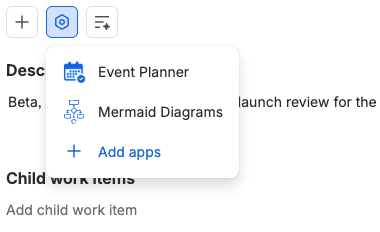
Result: The Event Planner panel appears on the work item, with an empty calendar. You can start from scratch, use a template or create the events with AI.
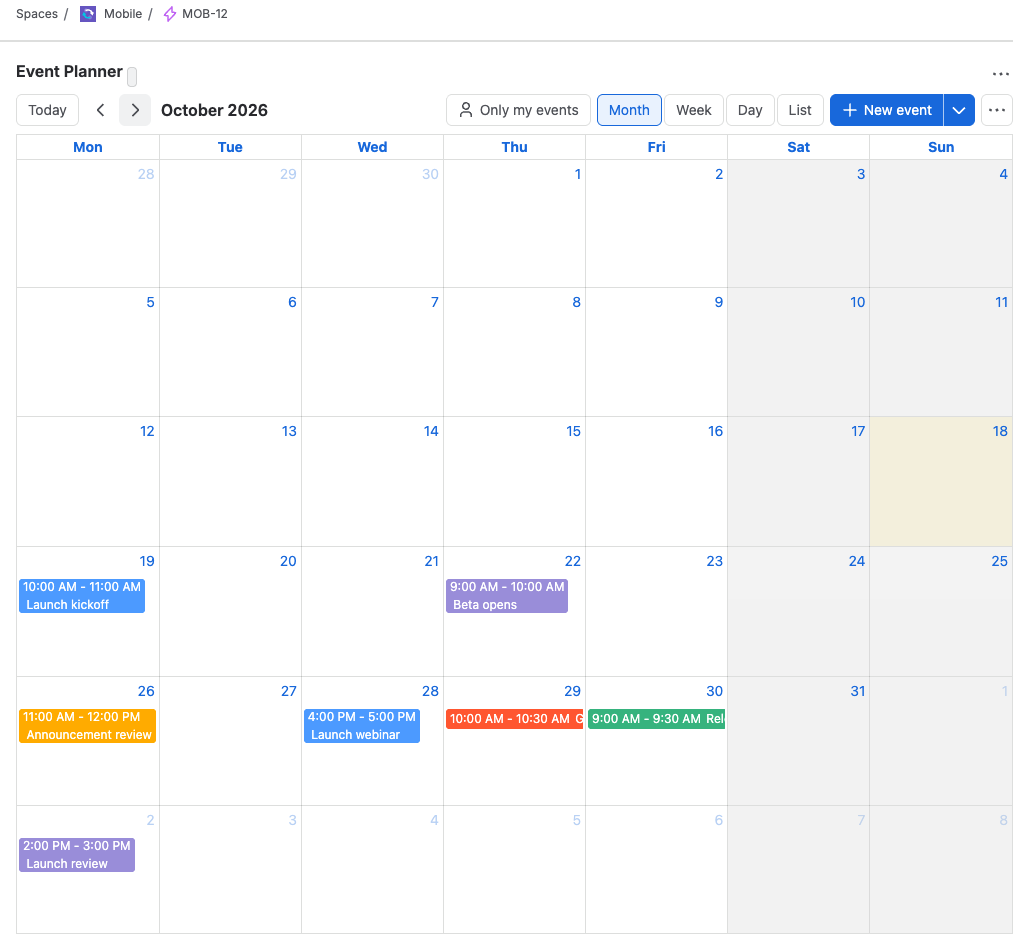
Who sees the calendar
- Everyone who can see the work item sees its calendar.
- Everyone with Edit work items can add, change and delete events, change the calendar settings, and lock the calendar.
- People who can see the work item but not edit it get the calendar read-only, with a View only label.
Each work item has one calendar. Work items don't share calendars, and the calendar isn't linked to the work item's own dates.
When the work item is deleted
Deleting a work item deletes its calendar too. Deleting a whole space doesn't. See What isn't deleted automatically.
Related
- Plan a launch on an epic: a full example.
- Add a calendar to a Jira dashboard: a calendar that isn't tied to one work item.
- The Event Planner panel doesn't appear on a work item: what to check.