Events
This section covers adding and changing events, the details an event can carry, day headers, and filling a calendar from a template or with AI. Events work the same way in every calendar, in Confluence and in Jira.
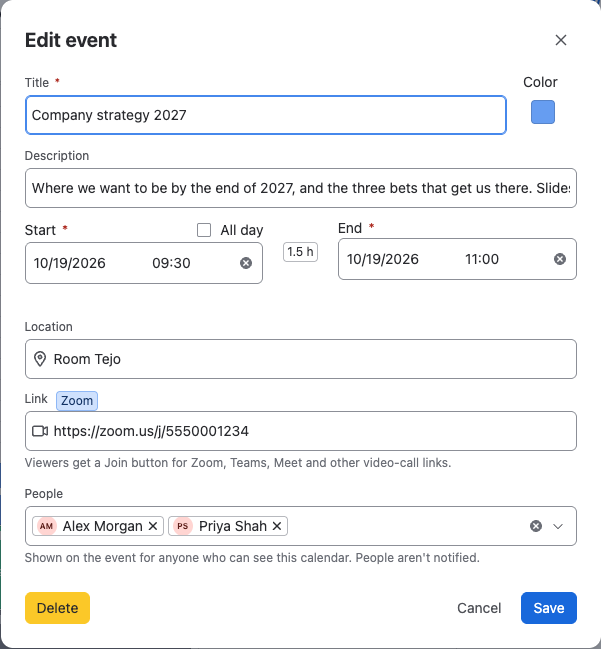
Add and change events
- Add an event: use New event, or select a time or day on the calendar.
- Event details: location, link and people: add a room, a video call with a Join button, and the people involved.
- Move and resize events: drag an event to reschedule it.
- Change or delete an event: edit an event, delete it, and undo a delete.
- Day headers: label a day, for example
Day 1: Strategy.
Fill a calendar in one go
- Start from a template: add a ready-made agenda, such as onboarding or a team retreat.
- Create with AI: describe your event to an AI assistant and import the schedule it writes.
When several people plan at once
Event Planner saves each change on its own and merges it with what others saved in the meantime. Two people can change different events, or different fields of one event, at the same time without losing either change. If a save still can't go through, the calendar says so and keeps editing paused until you reload it. See Change not saved.