Calendars
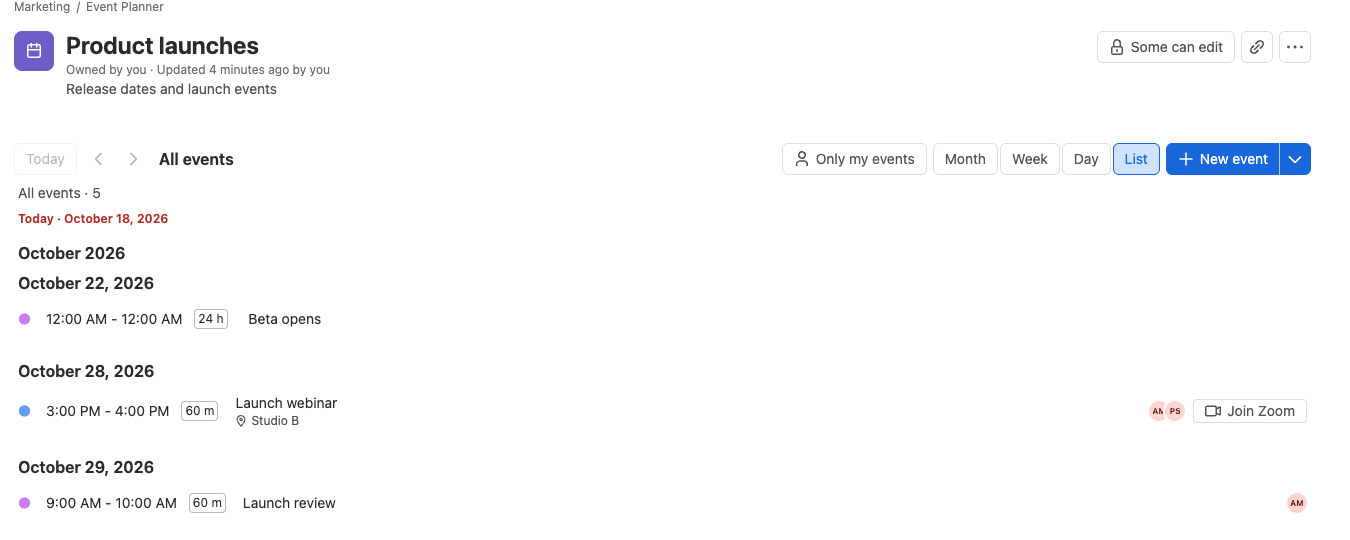
Event Planner calendars live in four places. Each calendar is separate: its events, settings and permissions belong to where it lives.
| Calendar | Product | Belongs to | Who can see it | Who can change it |
|---|---|---|---|---|
| Page calendar | Confluence | The Event Planner macro on a page or blog post | Everyone who can view the page | Everyone who can edit the page |
| Space calendar | Confluence | A space, in the space's Event Planner app | Everyone in the space, or only the people you list | Everyone in the space, or only the people you list |
| Work item calendar | Jira | The Event Planner panel on a work item | Everyone who can see the work item | Everyone with Edit work items |
| Dashboard calendar | Jira | An Event Planner gadget on a dashboard | Everyone the dashboard is shared with | The dashboard's owner and editors |
Which one to use
- For one event, such as an offsite or a training, use a page calendar on the page that describes it.
- For a team's ongoing dates, such as launches or time off, use a space calendar. Show it on other pages with the Embed space calendar macro.
- For dates that belong to a piece of work, such as an epic's launch activities, use a work item calendar.
- For dates people check every day, put a dashboard calendar next to the team's filters and charts.
Add a calendar
- Add a calendar to a Confluence page: insert the Event Planner macro.
- Space calendars: create a calendar for a whole space and find the ones you can see.
- Choose who can see and change a space calendar: open, view-only or private calendars.
- Version history, details and trash: restore an earlier version, rename a calendar, or move it to the trash.
- Embed a space calendar on a page: show a space calendar, read-only, on any page.
- Add a calendar to a Jira work item: add the Event Planner panel.
- Add a calendar to a Jira dashboard: add the Event Planner gadget.