Create and work with diagrams
This section covers adding diagrams to Confluence pages and Jira work items, the diagram editor, and viewing and exporting diagrams. The editor is the same in both products.
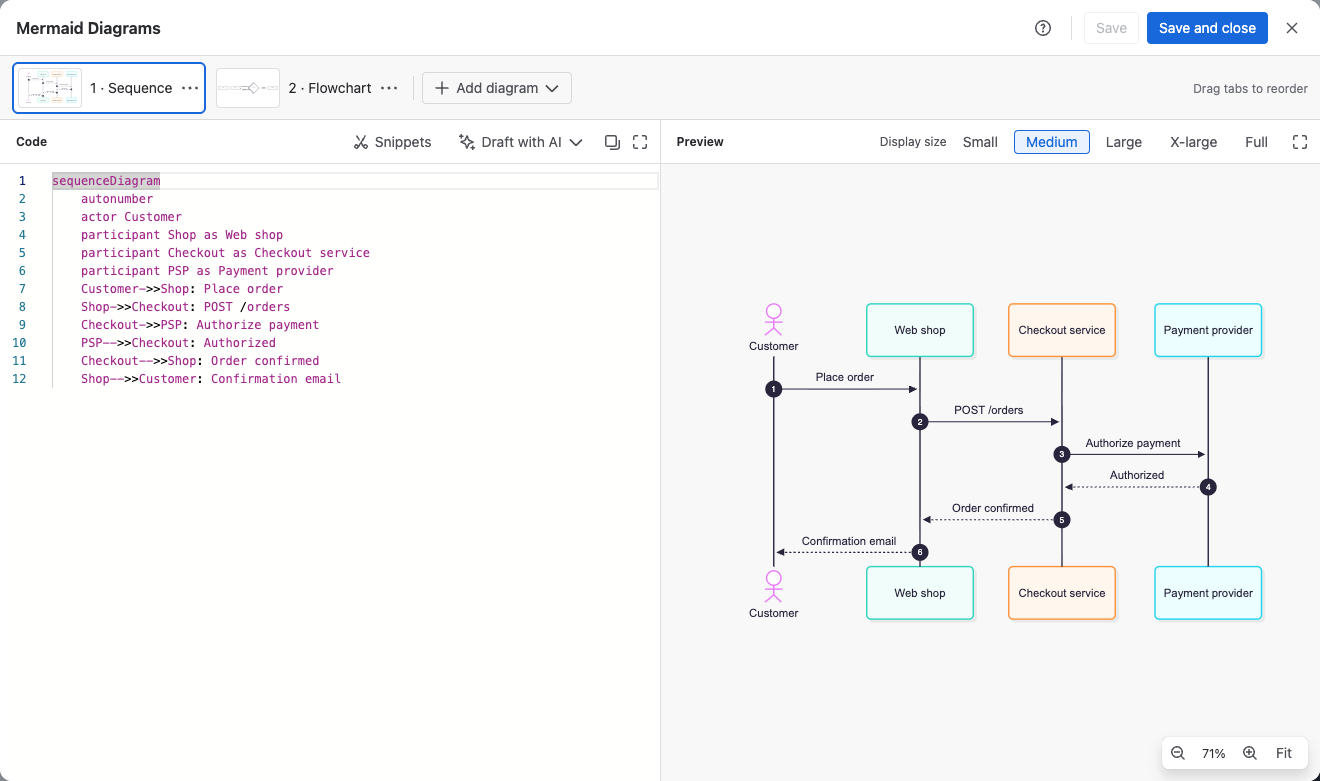
Add diagrams
- Add a diagram to a Confluence page: insert the Mermaid Diagram macro on a page or blog post.
- Add diagrams to a Jira work item: add the Mermaid Diagrams panel, or show it on every work item.
Use the editor
- Edit a diagram: write code, fix errors, set the display size and save.
- Start from a snippet: pick one of 35 ready-made diagrams and adapt it.
- Import diagrams: bring in diagrams from Mermaid Live links,
.mmdfiles and Markdown. - Keep several diagrams in one macro or panel: add, reorder and delete diagram tabs.
- When someone else saved first: what happens when two people edit the same diagram.
Read and share
- View and export diagrams: full screen, zoom and pan, and PNG, SVG or clipboard export.