Time in Status
Overview
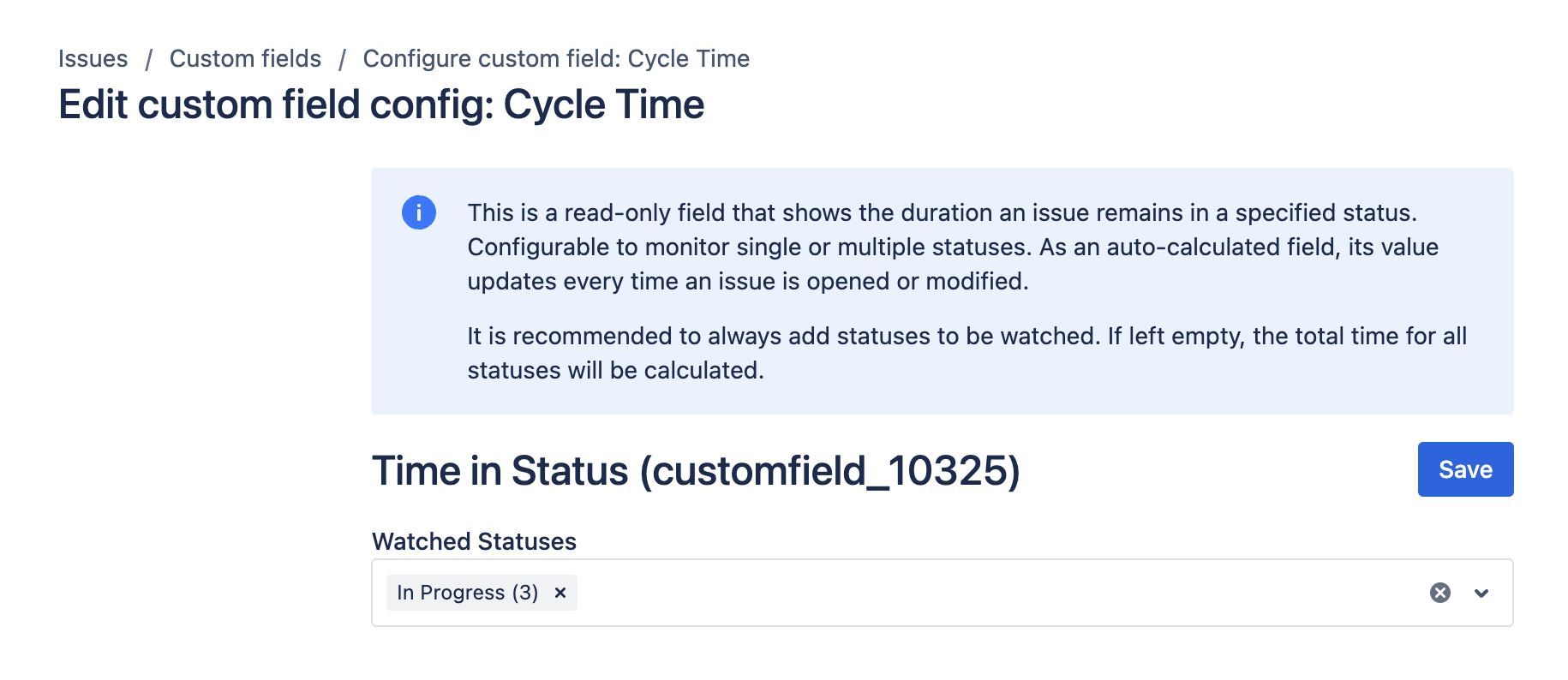
 | The Time in Status field is a read-only metric that displays how long a work item remains in a specified status in Jira. It can monitor single or multiple statuses and recalculates when a work item is opened in the work item view. Update-event recalculation can also occur but is best-effort. To create and configure this field, refer to the native Jira Custom Fields page. |
|---|
To use this field effectively, ensure you add statuses to monitor. If no statuses are specified, the field calculates the total time across all statuses.
Use cases
- Cycle Time: Measure the average time it takes for a work item to move through its workflow stages.
- Lead Time: Track the total time taken from the creation of a work item to its resolution.
- WIP (Work in Progress) Time: Monitor how long work items are actively being worked on in different statuses to identify bottlenecks or inefficiencies.
Inputs and defaults
- Statuses to monitor: One or more statuses to include in the calculation.
- If no statuses are selected, the field calculates time across all statuses.
- Work calendar: Optional calendar configuration that controls which hours are counted. See Work Calendars.
Example configuration
Track active work time:
- Statuses:
In Progress,In Review - Calendar: Standard 8/5 working schedule
This setup counts only working-hour time while the work item is in the selected statuses.
Expected result
- The field value increases while the work item remains in monitored statuses.
- Time outside configured working hours is excluded when a work calendar is applied.
- Changes become visible when recalculation triggers run.
Edge cases
- Different user time zones can cause perceived differences when comparing history and calculated values.
- Very short status changes can be skipped due to platform constraints.
- For historical work items, run Reindex after major configuration updates.
Create and configure the custom field
Create and configure your custom field by following the instructions in our Getting Started guide on FieldCraft Custom Field Configuration.
For detailed instructions on how to configure working hours, refer to the Work Calendars guide.
For recalculation reliability details, review Performance and limitations.