Calculated Metrics
Overview
 | The Calculated Metrics field type provides a dynamic way to display key metrics on work items by automatically calculating and presenting data based on predefined parameters. |
|---|
This feature allows users to track and visualize important information, such as the number of comments, linked work items, sub-tasks, and other relevant attributes, directly within a work item.
Use cases
- Work Item Tracking and Monitoring: Automatically display the number of linked work items or sub-tasks associated with a parent work item, making it easier to monitor dependencies and progress at a glance.
- Team Collaboration: Track the number of comments on a work item to gauge the level of team engagement and communication.
- Project Management: Display the number of components or custom attributes linked to a work item, providing project managers with quick insights into the complexity and scope of the task.
Inputs and defaults
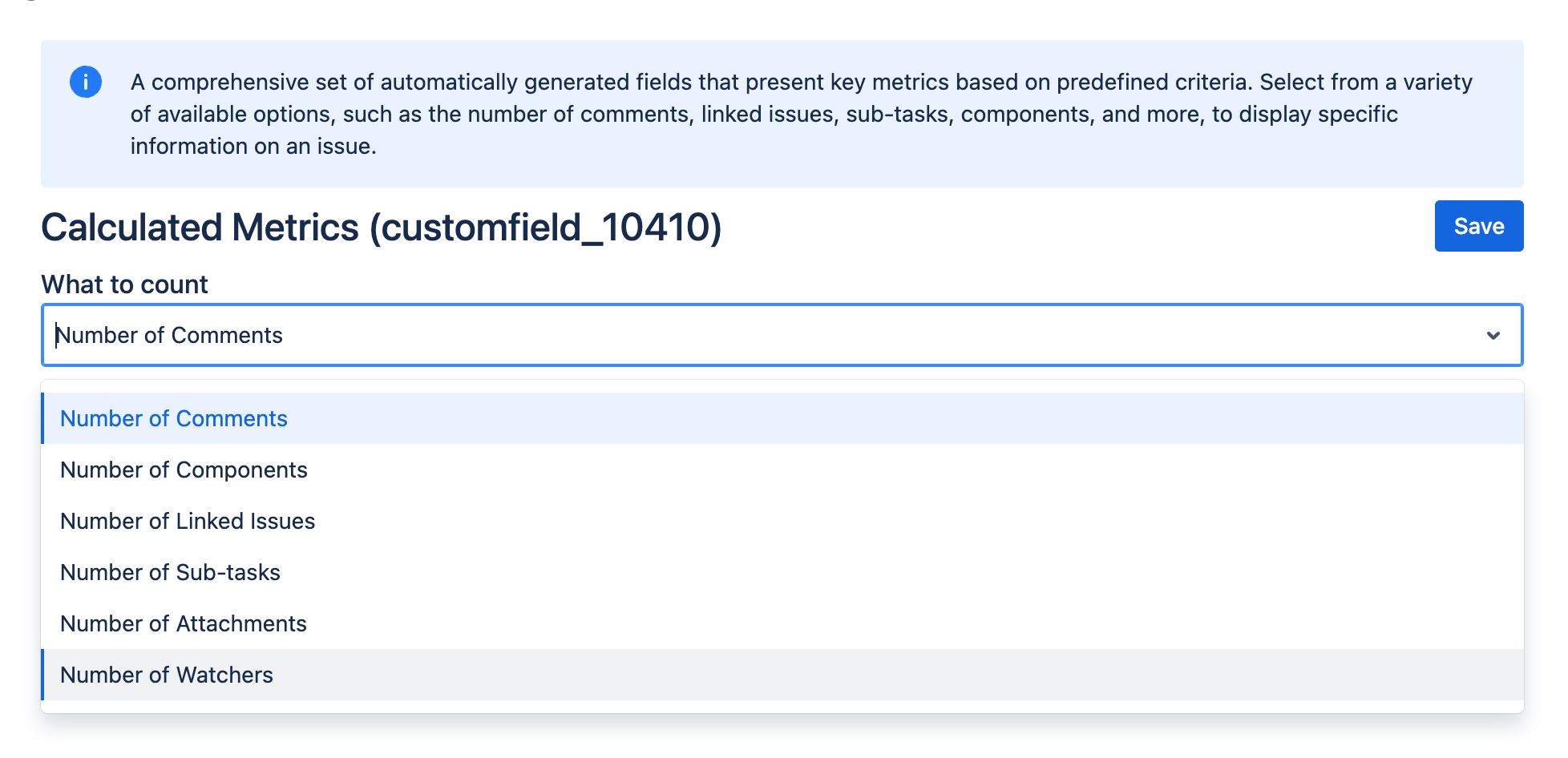
- Metric type: Select which metric to display (for example comments, linked issues, sub-tasks, or components).
- Field context and screens: Control where the metric is visible.
Example configuration
Display collaboration volume:
- Metric type:
Comments count - Context: Applied to the target space and work types
This setup shows the total number of comments on each matching work item.
Expected result
- The field value is numeric.
- Value changes as the underlying work item data changes.
Edge cases
- Visibility depends on field context and screen association.
- Historical work items may require Reindex after major configuration changes.
Create and configure the custom field
Create and configure your custom field by following the instructions in our Getting Started guide on FieldCraft Custom Field Configuration.