The space picker finds nothing
You type a space name into a tool's space picker and get no results, although the space exists.
Applies to: Script Master for Confluence · Cloud
Symptom
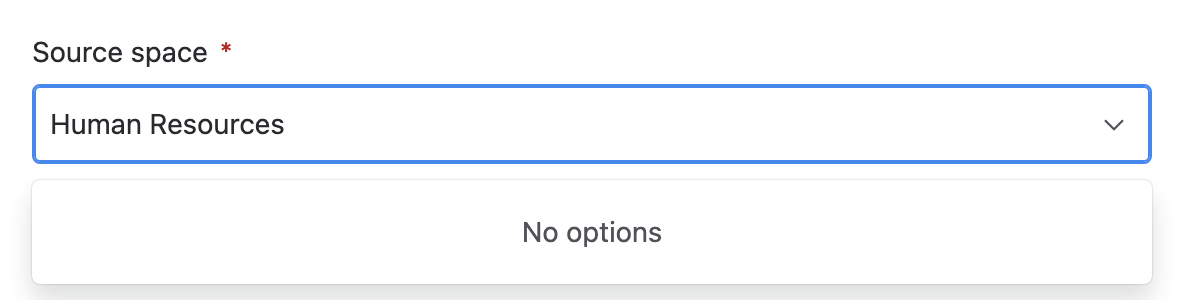
The Source space, Spaces or Space picker shows no options while you type, but you can open the space in Confluence.
Cause
The picker searches by the exact space key, not by the space name. Typing Team Documentation finds nothing, and so does part of a key. Typing TEAMDOCS finds the space.
Solution
- Open the space in Confluence and read its key in the URL. It's the part after
/spaces/, for exampleTEAMDOCSinhttps://example.atlassian.net/wiki/spaces/TEAMDOCS/overview. - Type the whole key into the picker.
- Select the space when it appears.
Result: the space is picked and you can carry on with the form.
Use CQL instead
Replace a label across content, Insert content into pages, Delete attachments in bulk and Delete old attachment versions also accept a CQL query. Under Scope, select Custom scope (CQL) and enter a query, for example:
space in (TEAMDOCS, DEMO) and label = "archive"
Still not working?
Contact the support portal with the space key you typed.