Getting started
Quick start
This guide covers installing Script Master and finding your way around it in Jira Cloud and Confluence Cloud.
Installation
Install the app from Marketplace:
Accessing Script Master
After installing Script Master, the app will be available from the Administrator menu. Please note that only Application Administrators will have access to this menu and the app.
The one exception is the Tools page, a separate page of ready-to-use bulk operations that administrators can make available to non-admin users, group by group.
- In Jira
- In Confluence
- Log in to your cloud site as an administrator.
- Navigate to the Jira administrator menu.
- Select Script Master in the Apps section.
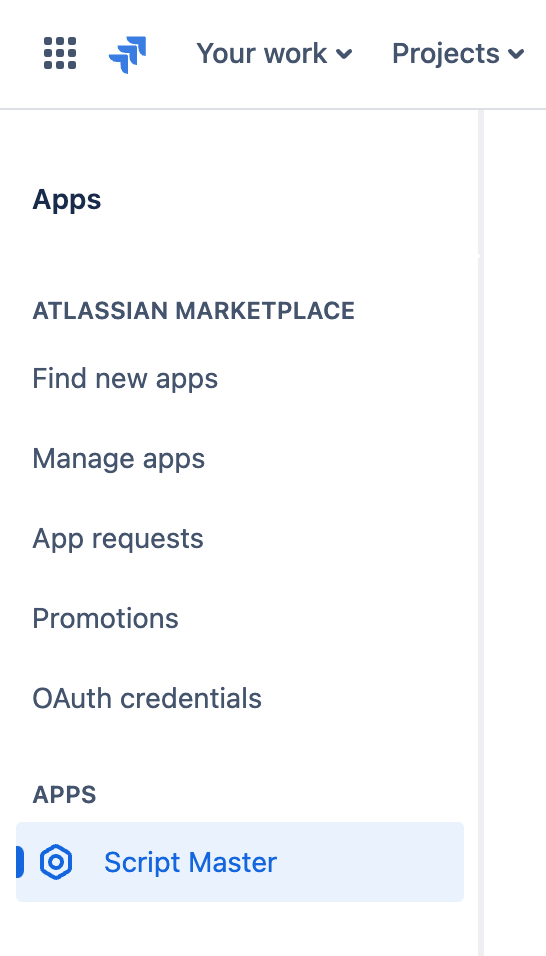
- Log in to your cloud site as an administrator.
- Navigate to the Confluence administrator menu.
- Select Script Master in the Apps section.
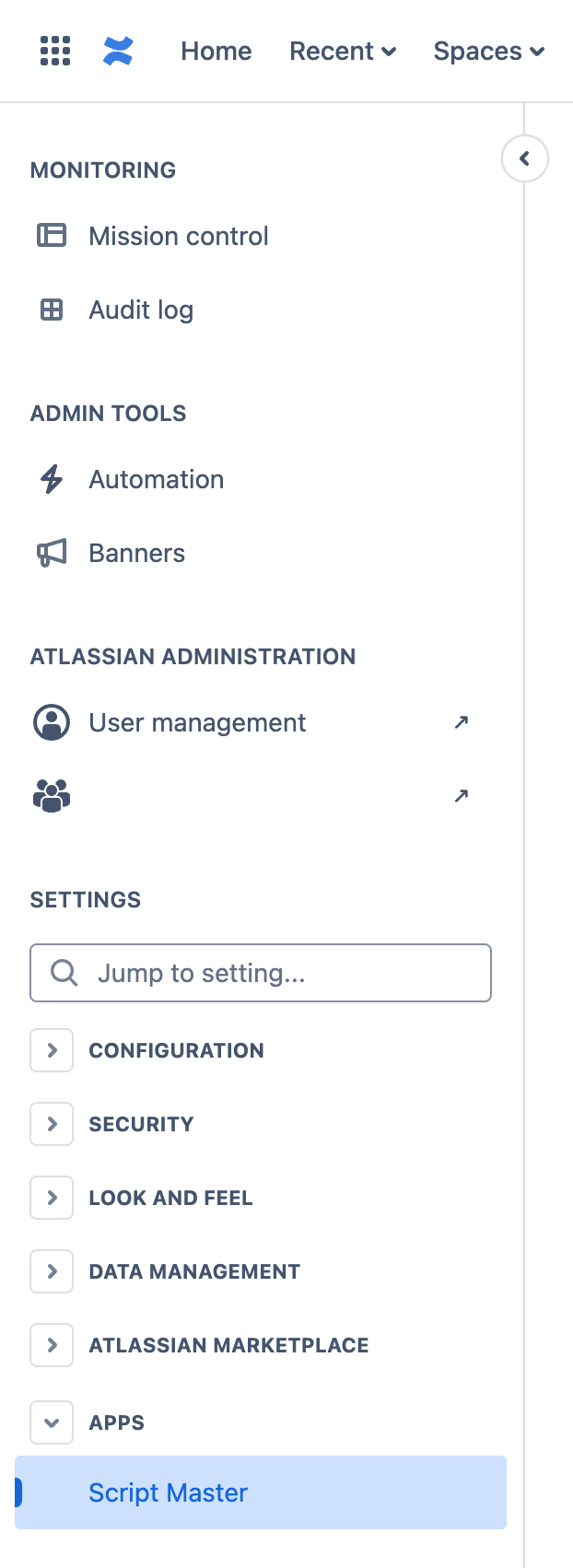
Configuration
Browser-side modules - Script Console, Fragments, Gadgets, Macros and Tools - work as soon as the app is installed and need no additional configuration.
Web Triggers, Scheduled Jobs, Custom Fields and Workflow post-functions run their scripts through Protected Execution by an external Companion App. Until it is configured, those modules show an "Action Required" banner and their scripts do not run. Follow Secured Scripts Execution to set it up.
Start with one of these modules
- Script Console
- Run and test JavaScript in the browser and see the result immediately. Useful for one-off bulk operations, trying out an API call, or debugging a snippet before you put it somewhere permanent.
- Fragments
- Create reusable HTML and JavaScript UI blocks to extend your Jira and Confluence interfaces in multiple locations. It integrates with Forge Custom UI and Forge bridge APIs for advanced customization.
- Gadgets
- Build your own Jira dashboard gadgets with HTML, CSS, and JavaScript. Gadgets can be configured per dashboard and use Forge Custom UI and the Forge bridge APIs.
- Macros
- Write your own Confluence macros to render dynamic content on a page, pull in data from Confluence or an external service, or lay content out the way your team needs it.
- Web Triggers
- JavaScript functions that respond to HTTP requests, so an external system can call into Jira or Confluence. They run without user authentication, which means you handle authorization inside the script yourself.
- Tools
- Ready-to-use forms for common bulk operations - setting resolutions or copying custom field values in Jira, cloning spaces and managing labels across page trees in Confluence. No scripting required, and each tool can be delegated to selected user groups.
- Custom fields
- Workflow Post-functions, Validators, Conditions