Workflow post-functions
This module is available in Script Master for Jira only.
Overview
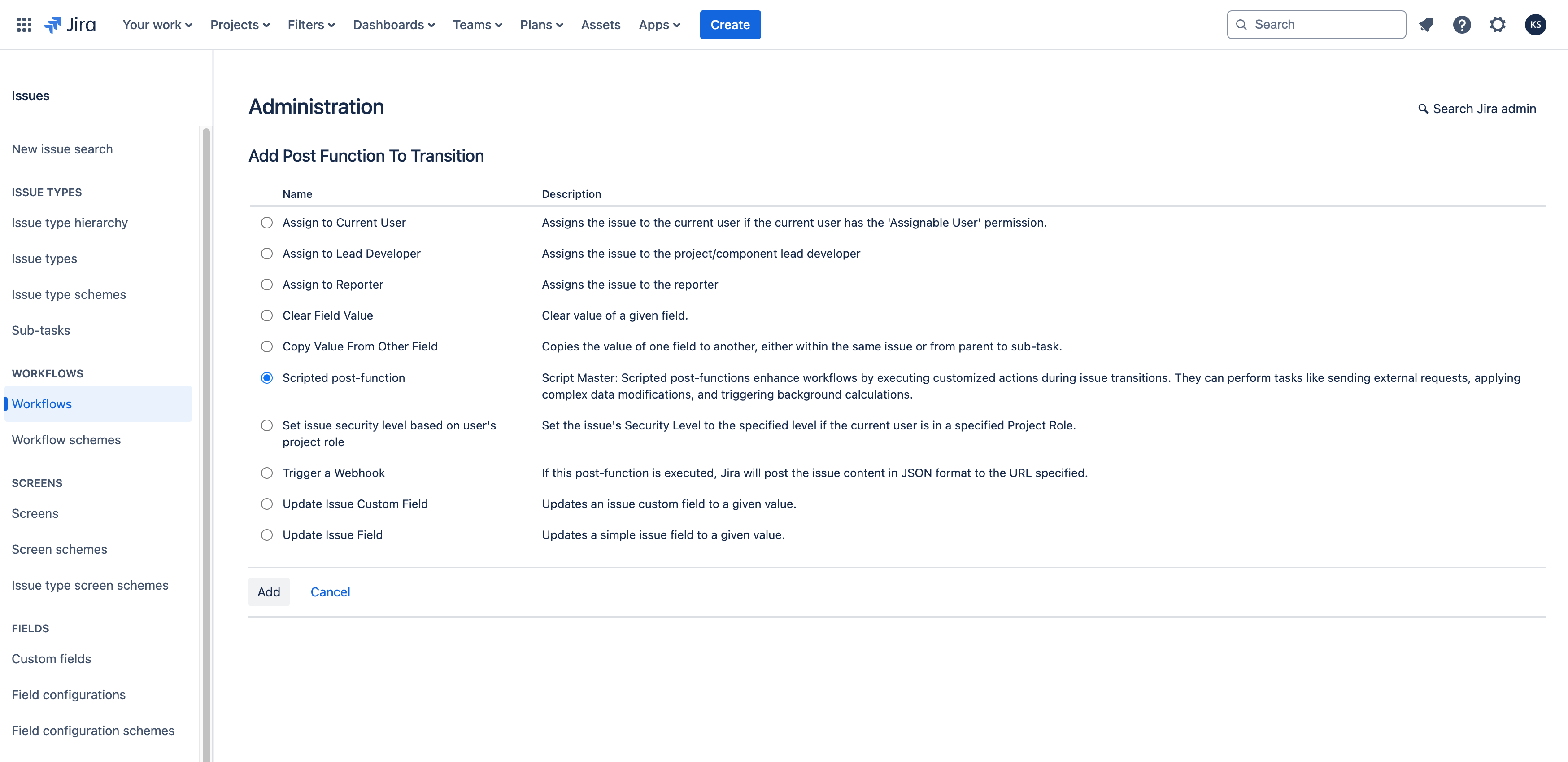
Scripted post-functions allow you to enhance your workflows by enabling the execution of highly customized and unique actions during issue transitions. These post-functions can be configured to perform a variety of tasks, such as sending external requests, applying complex data modifications, triggering background calculations, and more.
Please note that the script size for a workflow post-function must not exceed 100 kB; otherwise, it will not be saved.
Scripted post-functions implements Forge Jira workflow post function module.
Context
As a Forge back-end FaaS function, scripted post-functions are executed on the Forge back-end, sometimes without a user context.
To make requests to Jira, use the api.asApp().requestJira() bridge method.
Bridge API for Forge backend FaaS function.
Information about the current issue and transitions can be accessed from the payload object.
payload type
interface Payload {
  extensionId: string;
  issue: JiraIssue;
  transition: {
    id: string;
    name: string;
    from: { id: string };
    to: { id: string };
    executionId: string;
  };
  workflow: {
    id: string;
    name: string;
  };
  configuration: {
    code: string;
  };
  atlassianId: string;
  changelog: object;
  context: {
    cloudId: string;
    moduleKey: string;
  };
}
Configuration
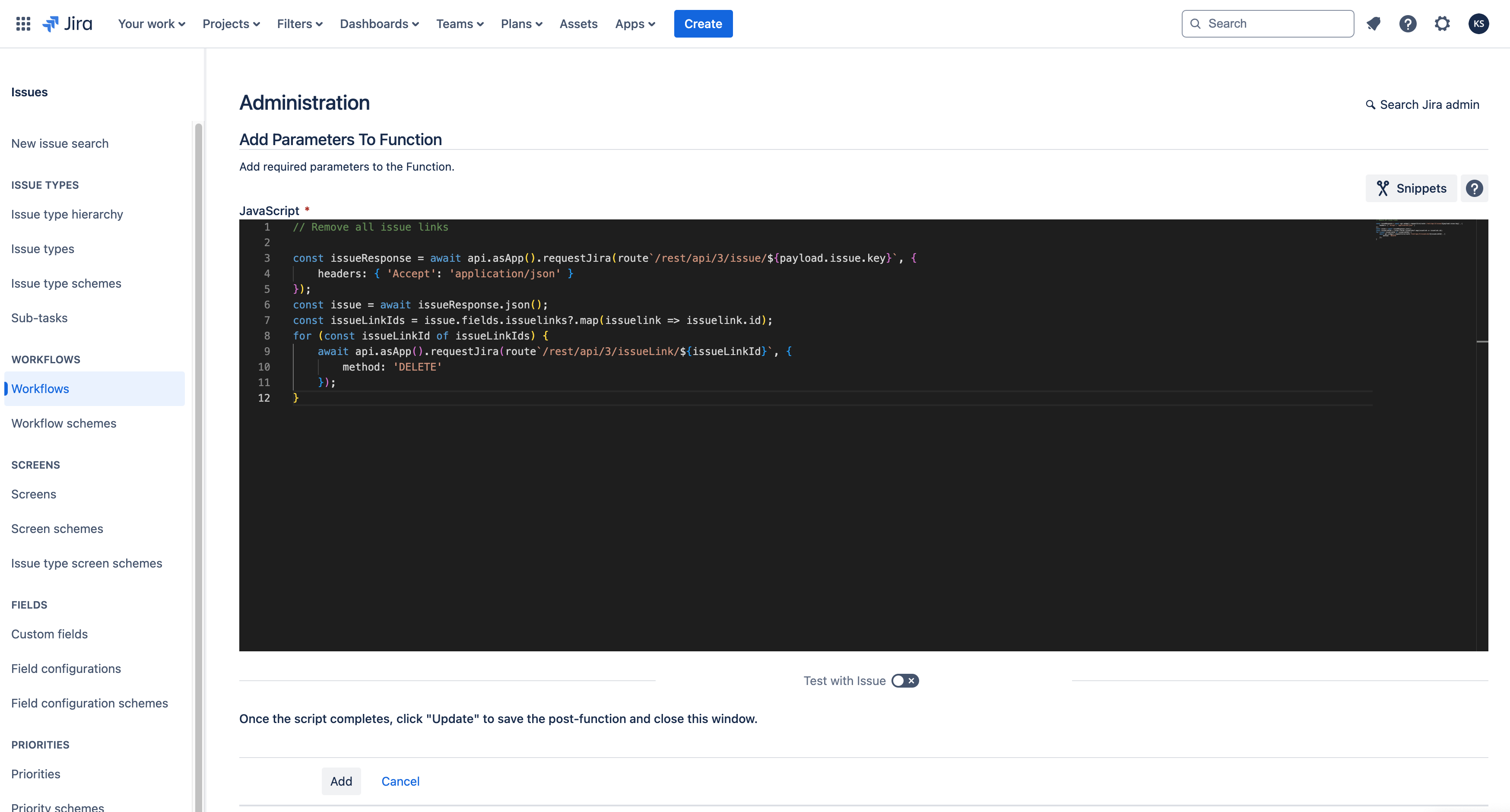
Screenshots:
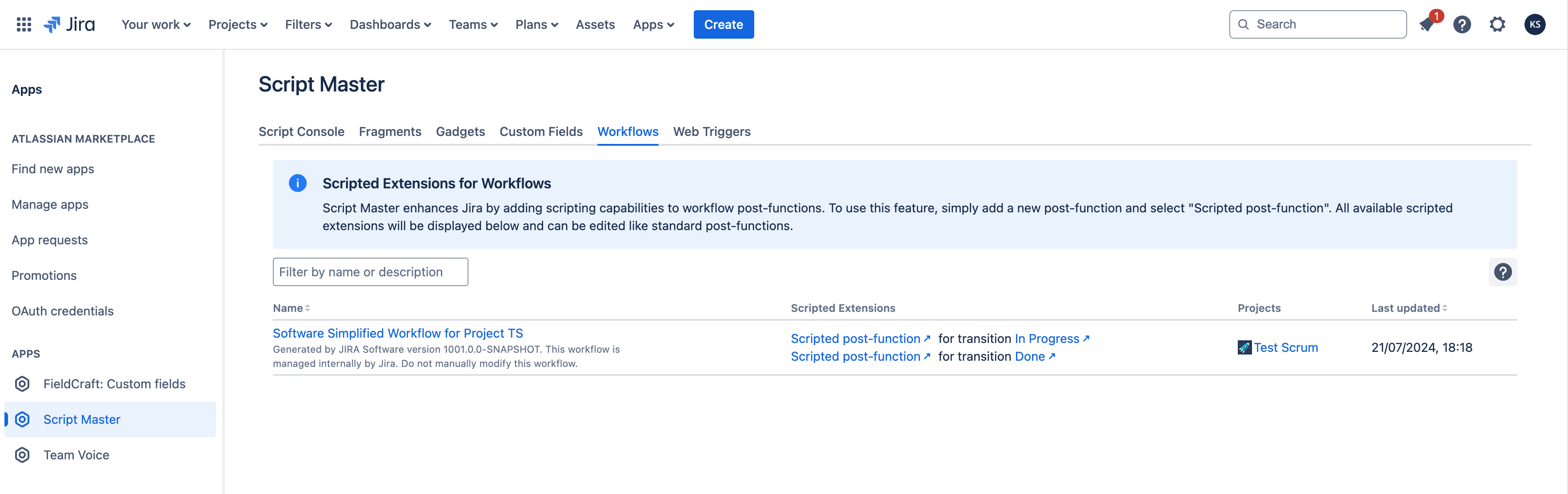
All available scripted extensions will be displayed in the 'Workflow' section of the Script Master:
Examples
For a detailed example, see Add a Comment to an Issue. Below are some simple examples.
Update issue
This example demonstrates a post-function that updates an issue and sets specific fields.
const bodyData = `{
  "fields": {
    "summary": "Completed orders still displaying in pending"
  }
}`;

const response = await api.asUser().requestJira(route`/rest/api/3/issue/${payload.issue.id}`, {
  method: 'PUT',
  headers: {
    'Accept': 'application/json',
    'Content-Type': 'application/json'
  },
  body: bodyData
});

console.log(`Response: ${response.status} ${response.statusText}`);
Remove all issue links
This example demonstrates a post-function that removes all issue links from an issue.
// Remove all issue links

const issueResponse = await api.asApp().requestJira(route`/rest/api/3/issue/${payload.issue.key}`, {
    headers: { 'Accept': 'application/json' }
});
const issue = await issueResponse.json();
const issueLinkIds = issue.fields.issuelinks?.map(issuelink => issuelink.id);
for (const issueLinkId of issueLinkIds) {
    await api.asApp().requestJira(route`/rest/api/3/issueLink/${issueLinkId}`, {
        method: 'DELETE'
    });
}