📂 ContentCraft: Mermaid diagrams for Confluence and Jira
Overview
|  | ContentCraft: Mermaid diagrams for Confluence and ContentCraft: Mermaid diagrams for Jira are powerful apps that let you create and view diagrams using Mermaid syntax directly in Atlassian Cloud. You can easily create flowcharts, sequence diagrams, Gantt charts, and more. These tools help you add clear, visual diagrams to your Confluence pages or Jira issues, making your documentation more engaging and easier to understand. They're perfect for teams who want to improve their communication through simple, effective visuals. |
|---|:|
| ContentCraft: Mermaid diagrams for Confluence and ContentCraft: Mermaid diagrams for Jira are powerful apps that let you create and view diagrams using Mermaid syntax directly in Atlassian Cloud. You can easily create flowcharts, sequence diagrams, Gantt charts, and more. These tools help you add clear, visual diagrams to your Confluence pages or Jira issues, making your documentation more engaging and easier to understand. They're perfect for teams who want to improve their communication through simple, effective visuals. |
|---|:|
Who is this app for?
This app is for teams and individuals using Confluence Cloud or Jira Cloud who want to create clear, visual diagrams easily. It helps you improve your documentation and communication with simple, easy-to-understand visuals.
Installation and Configuration
Install the app from the Atlassian Marketplace:
To use the app:
- In Jira version
- In Confluence version
- Open any Jira issue
- Enable "Diagrams" panel
- Open any Confluence page
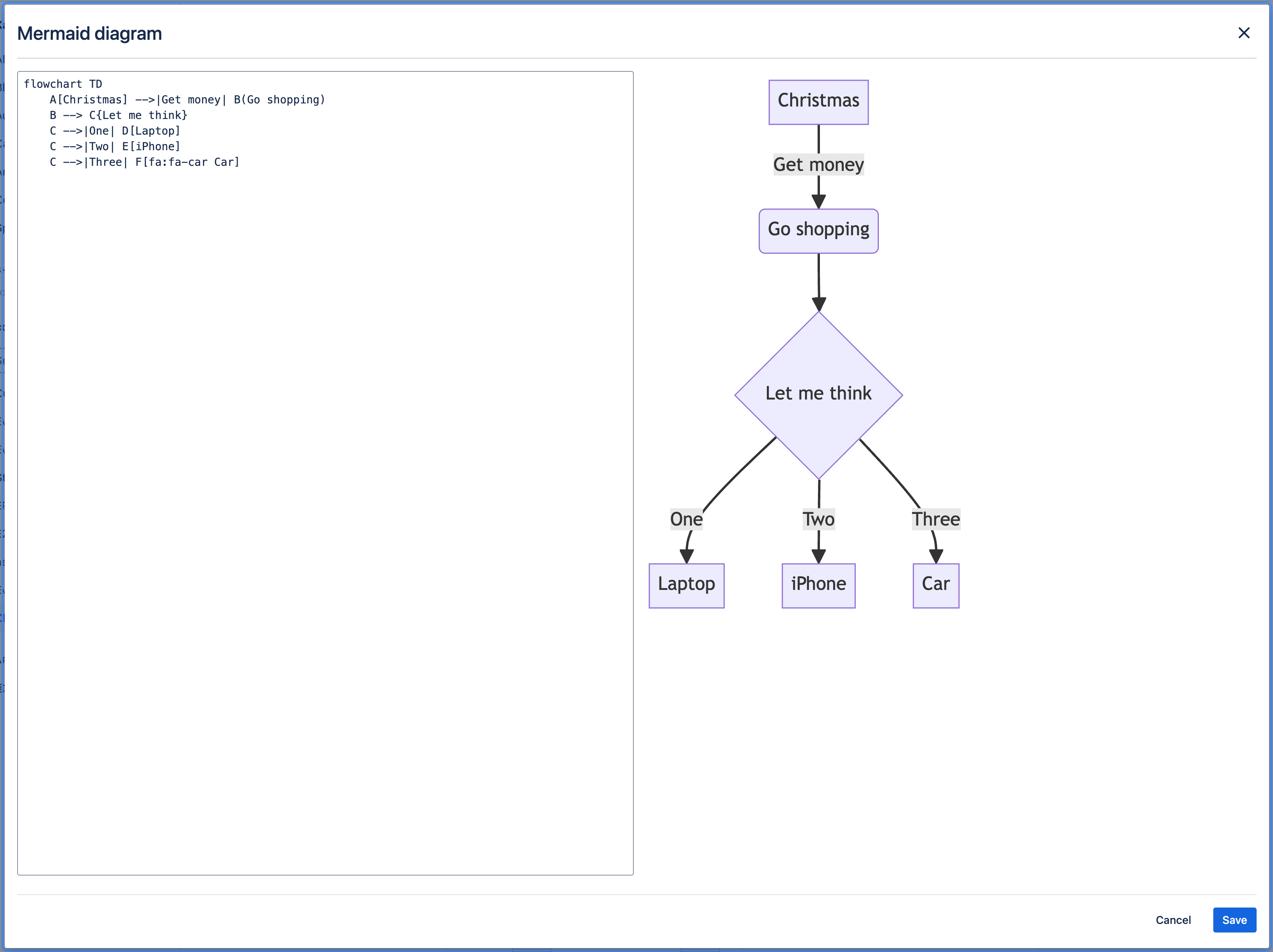
- Insert "Mermaid Diagram" macro
Features Overview
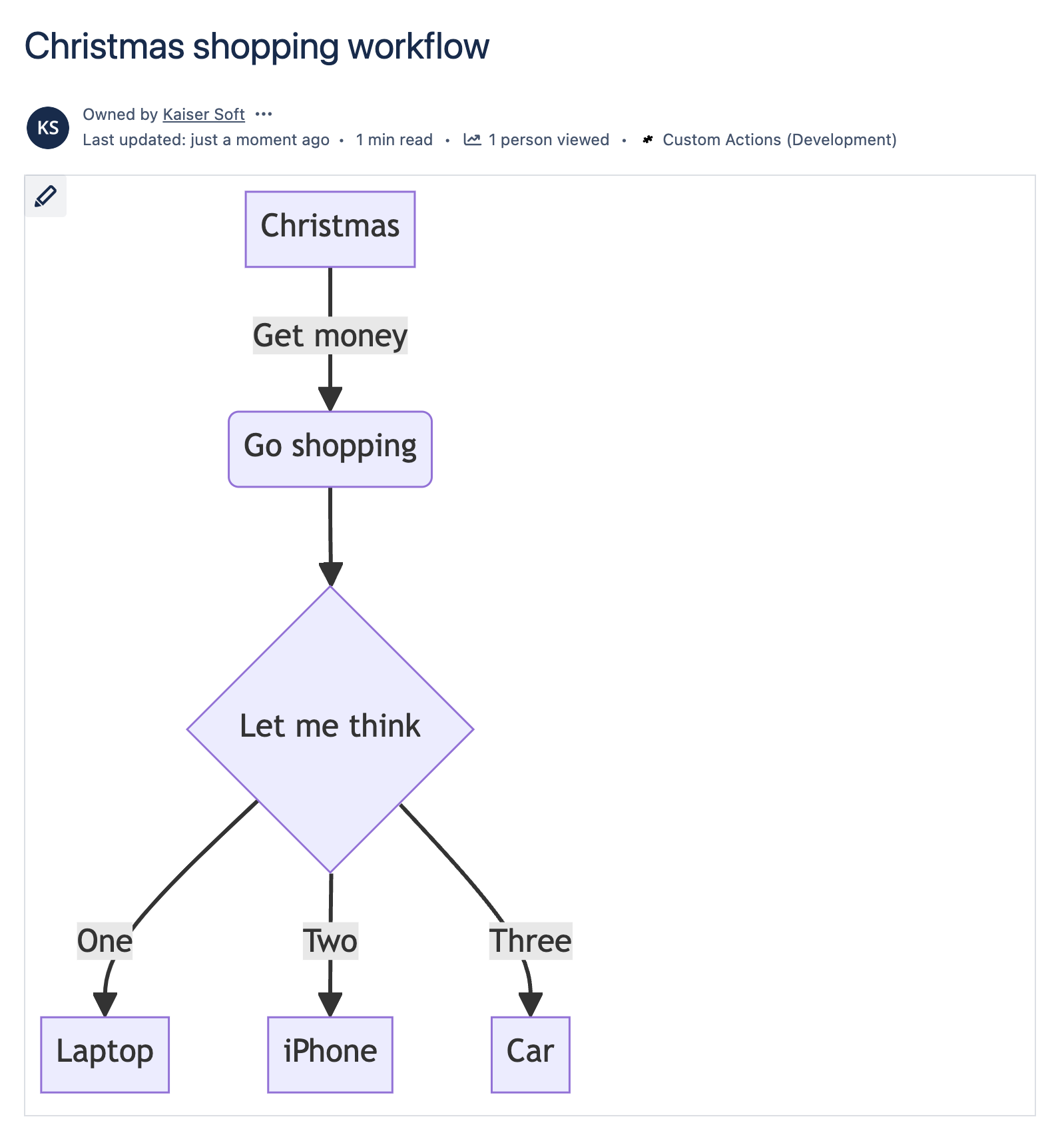
ContentCraft lets you create and display many different types of diagrams directly on Confluence pages or Jira issues using Mermaid syntax. You can make flowcharts, sequence diagrams, Gantt charts, and much more. The app works smoothly with your Atlassian Cloud setup, helping you create dynamic diagrams that improve your team's documentation and collaboration.
Full list of supported diagram types:
- Flowchart
- Sequence Diagram
- Class Diagram
- State Diagram
- Entity Relationship Diagram
- User Journey
- Gantt
- Pie Chart
- Quadrant Chart
- Requirement Diagram
- Gitgraph (Git) Diagram
- Mindmaps
- Timeline
- Sankey
- XYChart 🔥
- Block Diagram 🔥